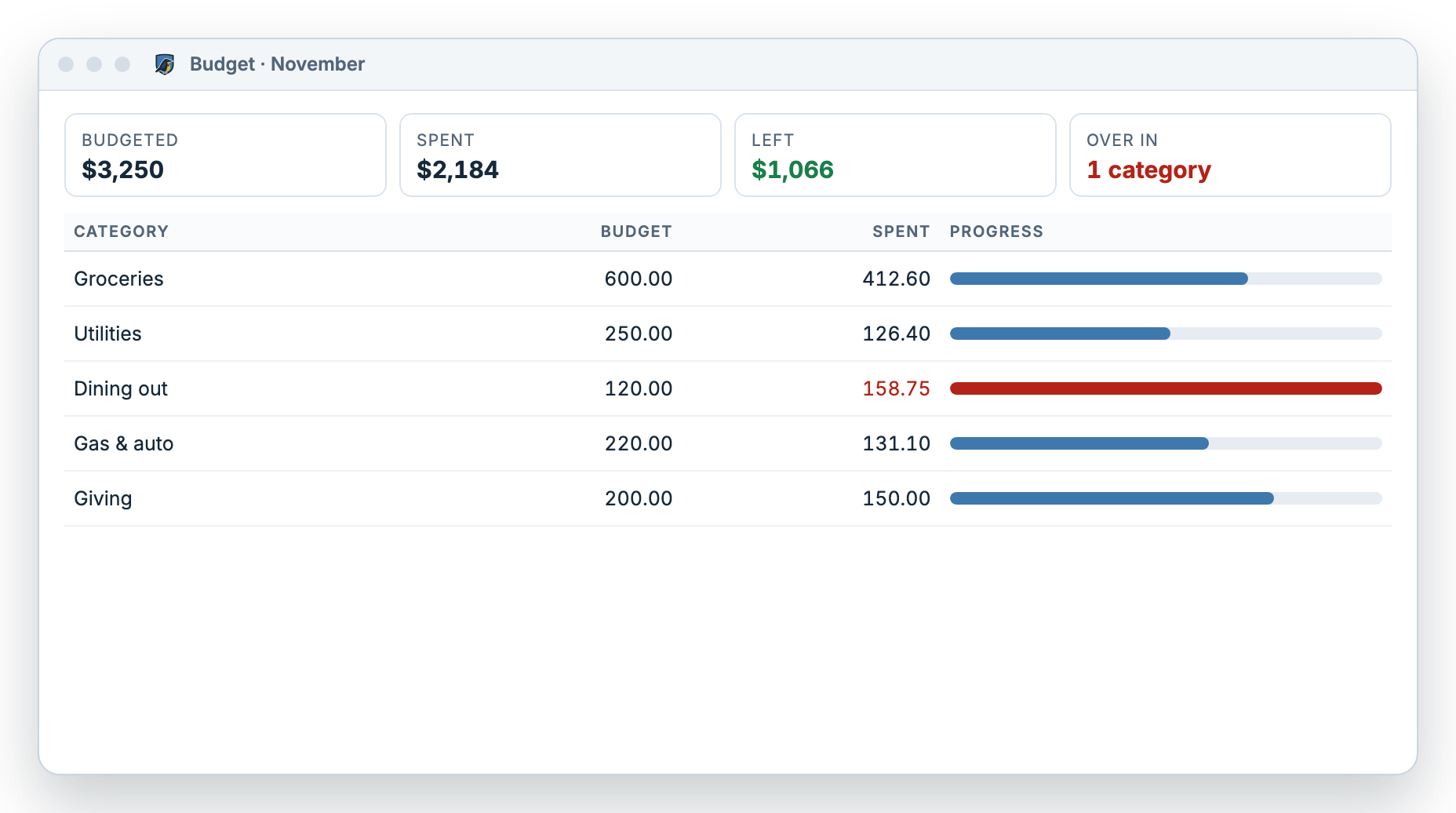
What does the budget screen show?
One row per category for the month you pick. Each row has three numbers and a bar, so you can tell at a glance where you stand.
- Budgeted: the amount you planned
- Spent: what your register says you spent in that category
- Left: what you can still spend this month
- A progress bar that fills as you spend, and a clear over-budget mark